01
Describe your choice
Type a title—or ask Siri.
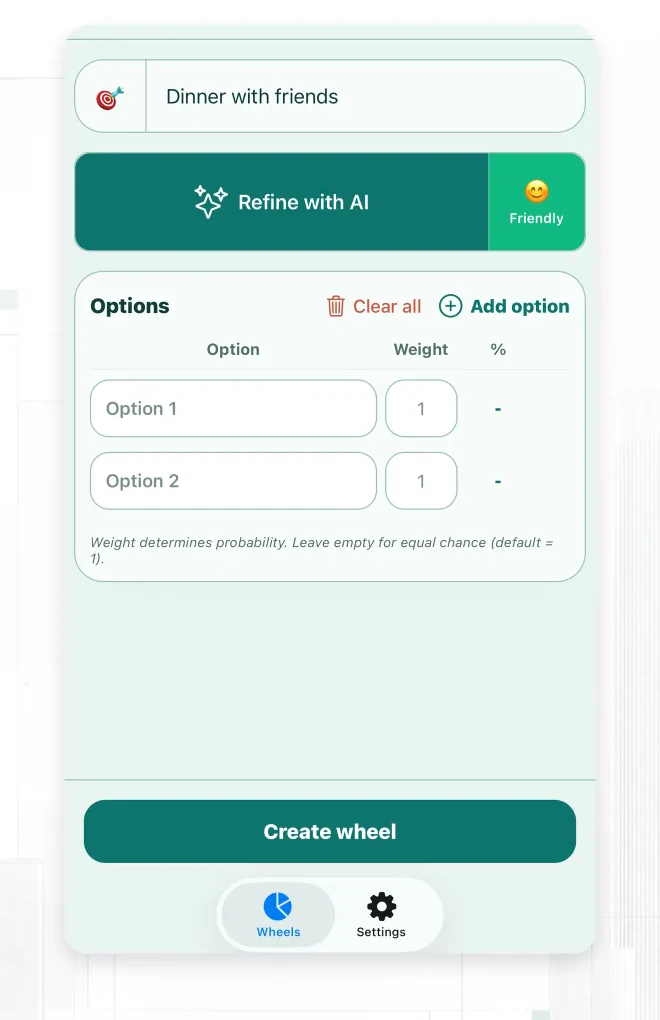
Describe your choice. Pick one of six tones and let AI build your wheel. Edit the options, set the odds, and spin.
Type a title—or ask Siri.
Six tones. Options you can edit.
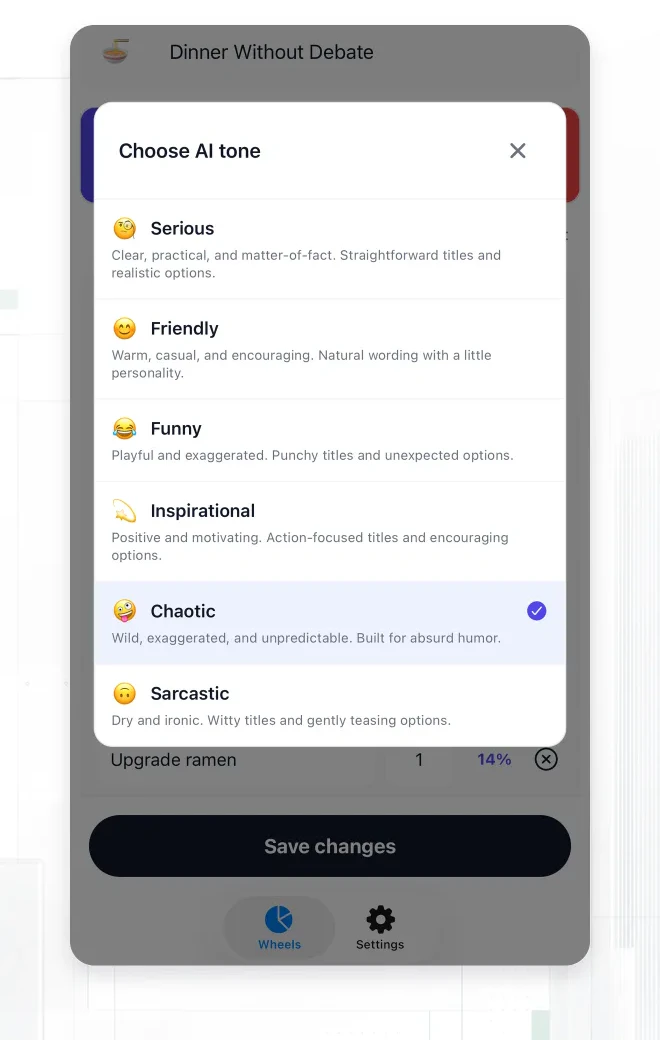
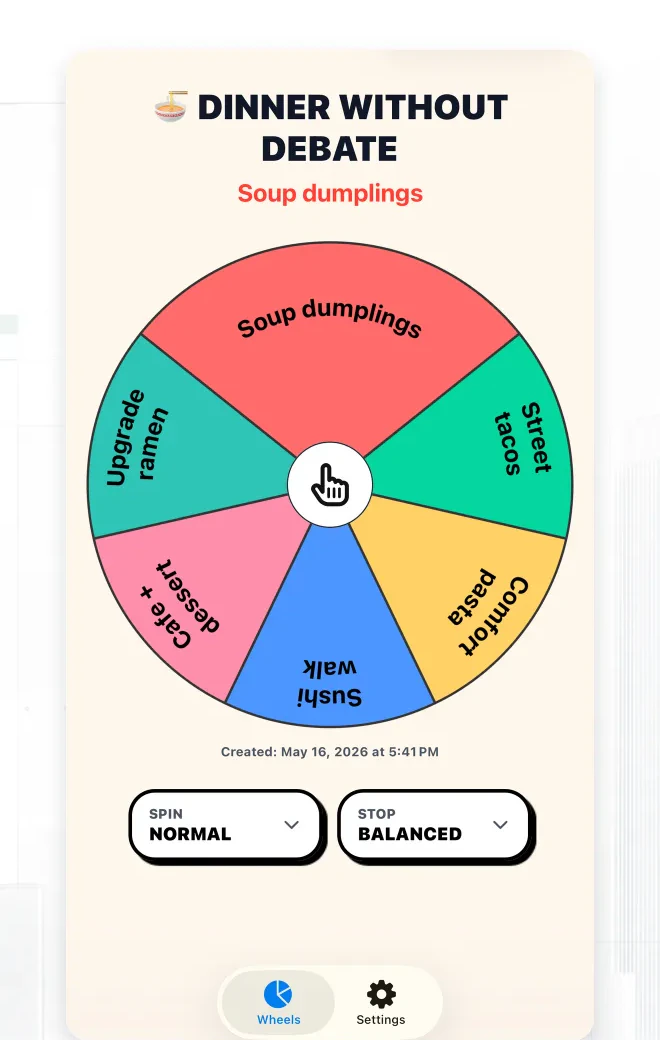
Set the odds. Spin for a result.
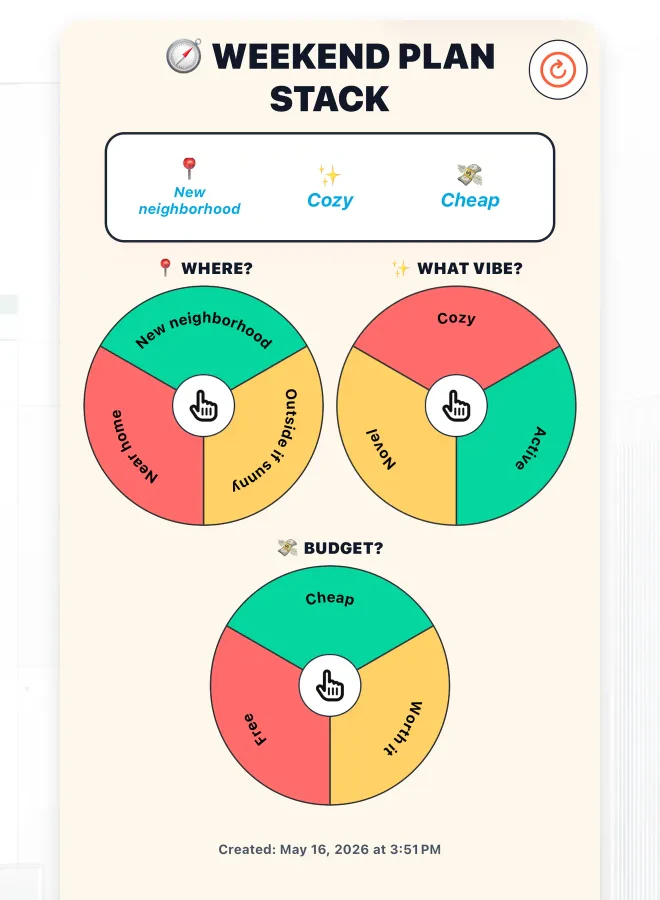
Spin the place, activity, budget, and time together.
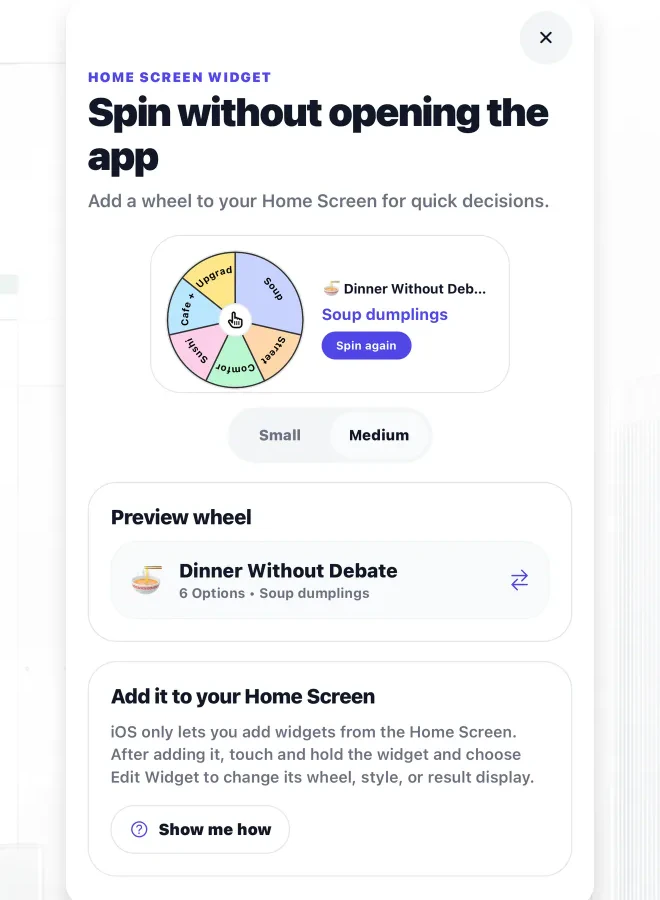
Keep a favorite wheel on your Home Screen.
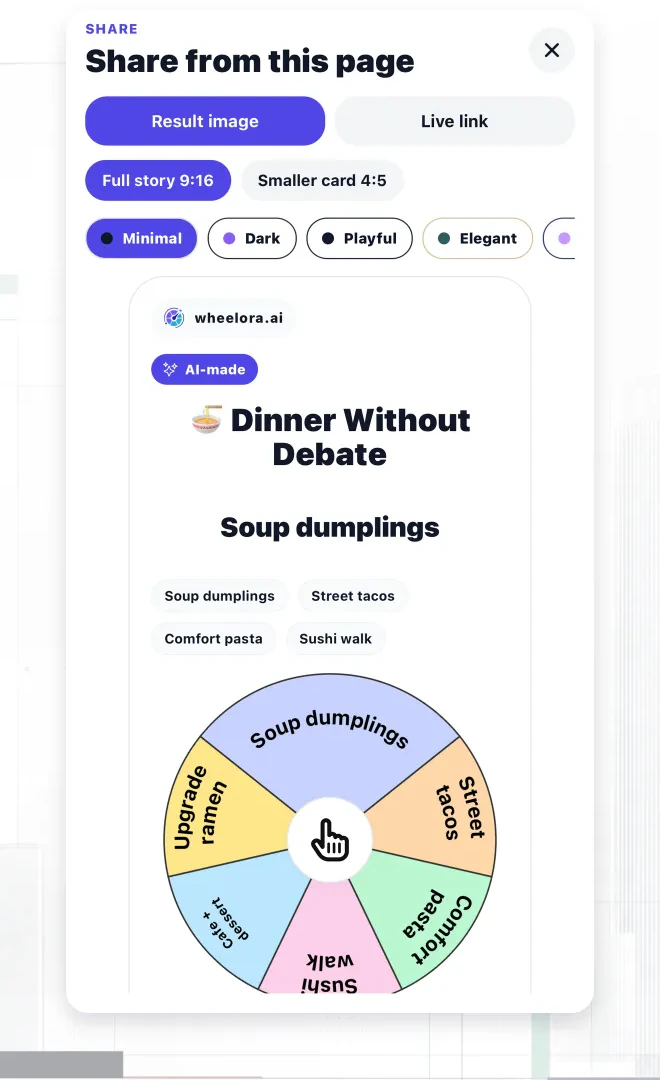
Send a result image or a live, spinnable link.
Calm, playful, bold—or somewhere between.
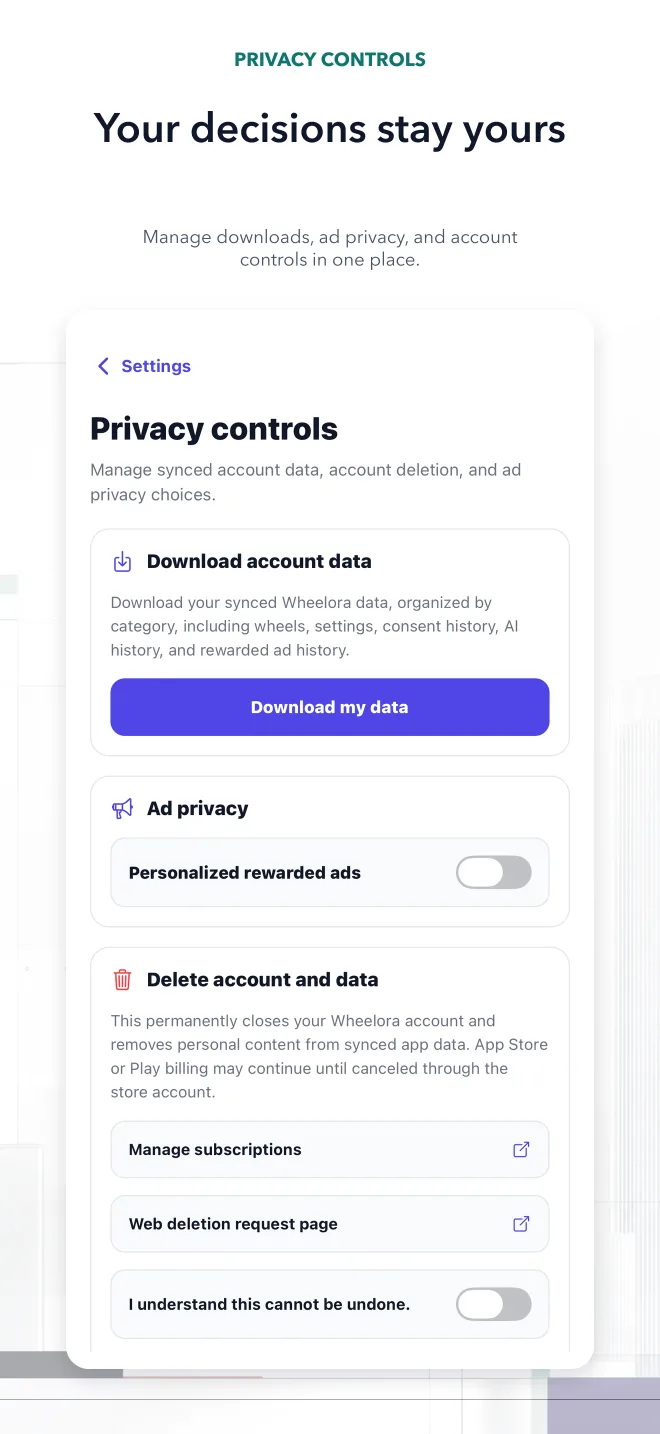
Start locally. Sign in only when you want sync.
Create, spin, share, and sync for free.
Try a sample, then keep your own shortlist in Wheelora.
Pick from meals you already like. Keep tonight's budget, time, and dietary needs in the shortlist.
Turn an existing watchlist into a wheel and choose a film everyone is ready to watch.
See how custom odds work with a real dinner example, including equal and weighted probabilities.
Compare Wheelora, Wheel of Names, Picker Wheel, and Tiny Decisions using their published features.
 Get Wheelora for iPhone